How to make a game in Minecraft
You make a game inside Minecraft with command blocks: blocks that run commands on their own, so a world can check what players do and react. They work in Bedrock Edition, the version in the phone app, and in Java Edition on a computer. The steps below follow Microsoft's own creator guide.
Where to play the original: Minecraft on the App Store Microsoft's command block guide. Roam is not affiliated with them.
Checked .
Build a mini game with command blocks in Bedrock
This works on iPhone, Android, consoles and Windows. On a touch screen, the Use button opens a command block.
- 1. Make a world with cheats on. Create a new world and turn on Activate Cheats, which turns off achievements for that world. Pick Creative: command blocks can only be edited there.
- 2. Give yourself a command block. Command blocks are not in the inventory. Open chat and type /give @p command_block.
- 3. Pick a block type. Place it and open it. Impulse runs once on a redstone signal, Chain runs after the block pointing into it, and Repeat runs 20 times a second.
- 4. Chain one rule. Microsoft's example: a Repeat block runs /testforblock to check for a diamond block on one spot. Chain blocks then give an emerald and tag the player, so the reward fires once.
- 5. Grow it into a game. Swap in your own rules: /tp for checkpoints, /scoreboard for points, /title for messages. A parkour course or a spleef floor makes a good first project.
Command blocks in Java Edition
Java Edition runs on computers. Turn cheats on when you make the world, then type /give @s minecraft:command_block. Edit it in Creative. On a server you need operator rights, and command blocks must be switched on for that server.
If you are still picking a platform, Roblox vs Minecraft vs Fortnite compares the three. For minigames to play before you build one, see the best Minecraft games.
Minecraft Education, add-ons and the Marketplace
- Minecraft Education. A separate app for schools and clubs on Windows, Mac, Chromebook, iPad and iPhone. Its Code Builder programs the world with blocks, JavaScript or Python. As of November 2026 a license costs $5.04 per user a year for schools, or $36 for camps, clubs and everyone else.
- Bedrock add-ons. Behavior and resource packs change how mobs act and look. Microsoft's guide writes them as JSON files in Visual Studio Code on a Windows PC.
- Selling on the Marketplace. Selling there goes through the Minecraft Partner Program. Mojang asks for a portfolio of original maps, packs or servers, expects partners to operate like a business, and reviews every new submission.
A game of your own outside Minecraft: Roam
Command blocks build a game inside a Minecraft world. For a game that stands on its own, Roam is a separate iPhone app, not made by Mojang or Microsoft. Describe the game in a sentence, or start from a photo of your dog, and it comes back playable with a world, art, characters, sound and rules. Change it by talking: "more enemies", "make it two-player".
Roam is free to download and play, and making games works without a subscription. Optional Spark and Reality plans and credit packs add more creation. Android is pre-register only on Google Play. Roam is rated 13+ on the App Store.
Play it on Roam
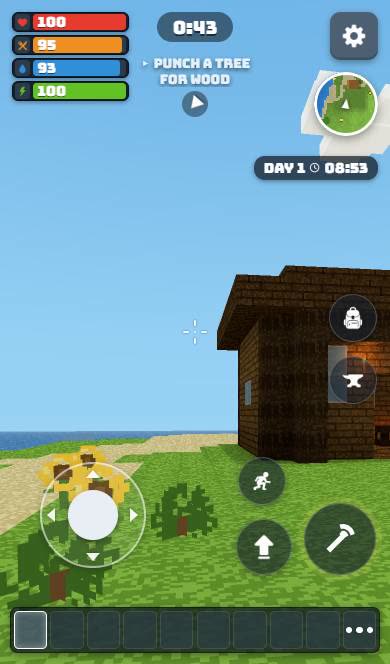 BLOCKSURVIVEAn empty hotbar, a lake and a tree to punch.
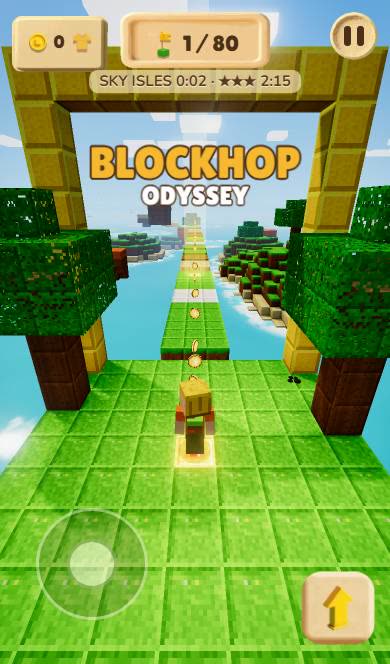 Blockhop OdysseyEighty levels of sky islands and a clock that never blinks.
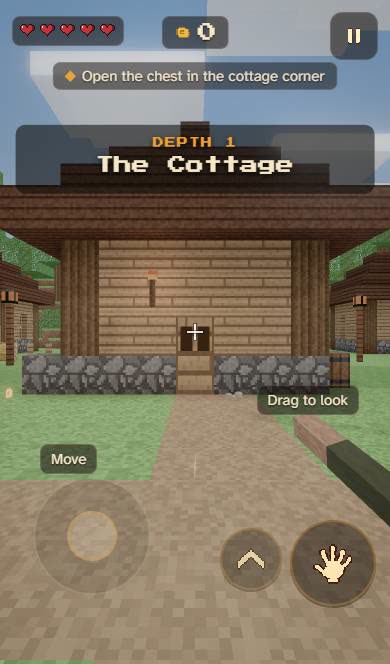 Don't Go DownOpen the chest. Then ignore the title.
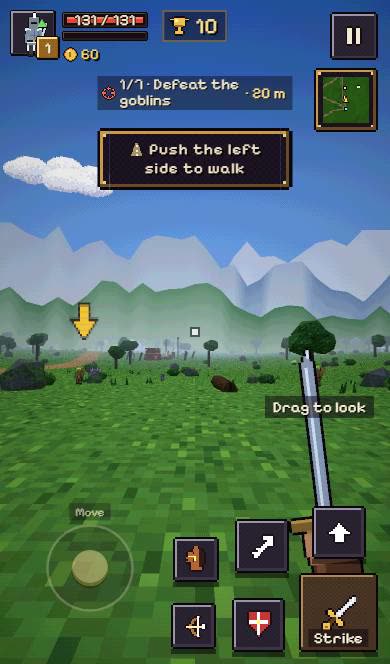 WAYFARE: WildlandsSword in hand. Bow on your back. Goblins ahead.
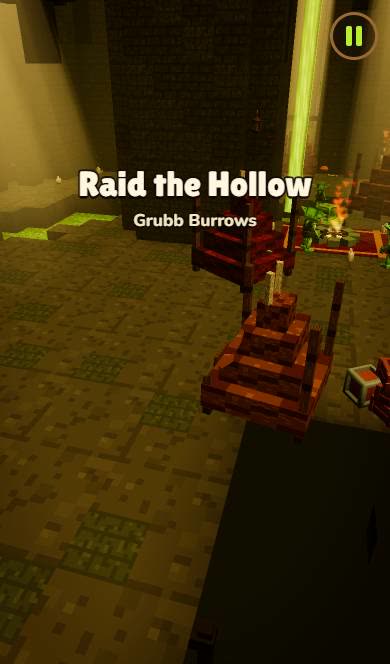 Raid the HollowOne red knight. One goblin burrow. Clear it out.
More on Roam
Skip the command blocks: make it in Roam
Type the mini game you planned and play it on your iPhone, solo or with friends. It lives in Roam, not in Minecraft. Roam is rated 13+ on the App Store.
Try: "block parkour over lava, a checkpoint every 10 jumps, a 60 second timer, the floor breaks behind you"Roam ("Roam - Make Games" on the App Store) is an iPhone app where you play games and make your own by describing them or from a photo. It is free to download and play, and making games works without a subscription; optional Spark and Reality plans and credit packs add more creation. Android: pre-register on Google Play.
Questions people ask
Can you use command blocks on Minecraft mobile?
Yes. The iPhone and Android apps are Bedrock Edition, which has command blocks. Turn on cheats, play in Creative and type /give @p command_block.
How do you make a mini game in Minecraft without mods?
Use command blocks. Chains of them can check where players stand, keep score with /scoreboard and move players with /tp, all inside a normal world.
Can you make a game in Minecraft Education?
Yes. Code Builder programs the world with blocks, JavaScript or Python. You need a Minecraft Education license, from a school or a commercial license for camps and clubs.
How do you get a game on the Minecraft Marketplace?
Join the Minecraft Partner Program, or start with one of its official publishing partners. Mojang reviews every submission before it goes on sale.
Sources, checked November 4, 2026
- Bedrock command blocks: world with Activate Cheats, obtained only with /give @p command_block, Use button opens it, Impulse, Chain and Repeat types, 20 ticks per second, /testforblock reward chain example: learn.microsoft.com
- Enabling cheats disables achievements for that world; command blocks can only be edited in Creative; operator commands permission; /teleport, /scoreboard and /title commands: learn.microsoft.com
- Java Edition: /give @s minecraft:command_block, operator rights in Creative, servers must enable command blocks (now the command_blocks_work game rule): minecraft.wiki
- Add-ons: behavior and resource packs written as JSON in Visual Studio Code on a Windows computer: learn.microsoft.com
- Minecraft Partner Program: partners sell on Marketplace, publishing partners as a way in, portfolio of original content, operate like a business, every new submission reviewed: minecraft.net
- Minecraft Education licenses: $5.04 per user per year academic, $36 per user per year commercial for camps, clubs and others; Windows, ChromeOS, MacOS and iOS: education.minecraft.net
- Minecraft Education on iPhone and iPad, free with a license in-app purchase, Code Builder with block-based coding, JavaScript and Python: apps.apple.com
- Minecraft for iPhone and iPad by Mojang AB on the US App Store: apps.apple.com